Maze puzzle maker
This maze puzzle maker builds a complete maze book in one PDF. Choose how many mazes you want, up to 100, and pick a trim size. The book starts easy and gets harder page by page. It ends with an answer key, four solutions per page, and a gutter margin for binding.
By The Mazeloom team (Product and testing). Last updated .
How to use the maze puzzle maker for a book, step by step
- First, open the Puzzle book tab above the preview.
- Then type a book title and set the number of mazes, from 1 to 100.
- Next, pick a trim size: 8.5 x 11, 8 x 10 or 6 x 9 inches.
- Keep Progressive difficulty on, so the mazes grow through the book.
- Choose the style and the base size, as you would for a single maze.
- Finally, download the PDF and check the first and last pages.
The live preview is always free, and you get one free PNG and PDF export a day. See the pricing page for Pro, $19 once, with clean files and a commercial license, or read how we test every puzzle.
What goes into a book from the maze puzzle maker
A puzzle book is more than a stack of mazes. So the tool lays out the whole interior for you. First comes a title page with your book title. Then each maze gets its own page, with a heading such as Maze 7. Finally, the answer key section closes the book, with four small solved mazes on each page.
Because the answers are grouped at the back, a reader can solve the puzzles without seeing the route by accident. Also, four answers per page keeps the key short. For example, a 24 maze book needs only six answer pages.
How progressive difficulty works
With progressive difficulty on, the first maze is 60% of the size you set, and the last one is 130%. The mazes in between grow step by step. As a result, the reader warms up on small grids and finishes on the largest ones.
For example, if the base size is Medium, 18 by 22 cells, the book opens near 11 by 13 and ends near 23 by 29. Circle mazes follow the same rule with their rings. If you would rather keep every page the same, turn the switch off, and all mazes use the size you picked.
Each maze in the book still has its own layout. The tool adds a number to the seed for every page, so no two pages repeat. Then the same book seed rebuilds the same book later.
Trim sizes and the gutter margin
Three trims cover most printed puzzle books. The 8.5 by 11 inch trim gives big pages for kids and large print. The 8 by 10 inch trim is a little smaller, and the 6 by 9 inch trim fits a bag or a travel kit.
In addition, the PDF adds a wider margin on the inside edge of each page, called the gutter. When a book is bound, that edge disappears into the spine. Therefore, the extra space keeps the maze walls and the exits clear of the fold, so no part of the puzzle is lost in the binding.
Free books and clean books
You can build a free book of up to 20 mazes, which is enough to test the layout and the trim. Free books carry a small credit line on the pages. However, Pro builds clean books of up to 100 mazes with a commercial license, so you can sell it as your own. Every maze is checked by a solver first, so no buyer gets a puzzle without an exit.
Puzzle book layout in the maze puzzle maker
| Part | Details |
|---|---|
| Mazes per book | 1 to 100 (free books up to 20) |
| Trim sizes | 8.5 x 11, 8 x 10 or 6 x 9 inches |
| Difficulty | Progressive: from 60% to 130% of the base size |
| Front matter | Title page with your book title |
| Answer key | At the back, 4 solutions per page |
| Binding | Gutter margin on the inside edge |
Maze puzzle maker tested with a real run
We built this maze with the same code the tool on this page uses, with this page's settings and a fixed seed. So the image and the numbers below come from that run, not from a mockup.
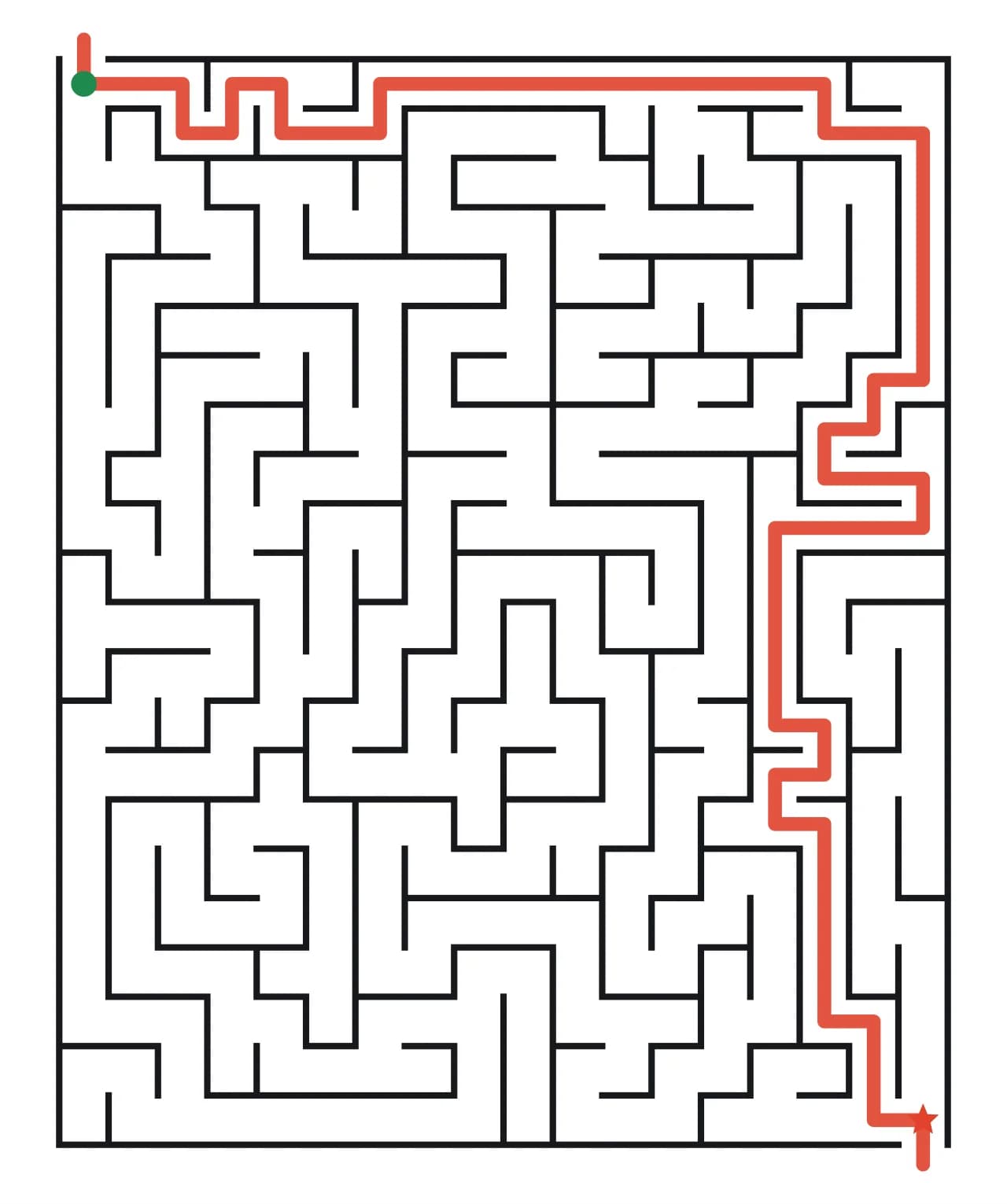
- Test input
- 18 x 22 grid, seed sample-maze-puzzle-maker
- Output
- Puzzle book PDF (24 mazes)
- Cells
- 396
- Dead ends
- 46
- Loops
- 0
- Answer length
- 55 cells
- PDF size
- 79 KB
- Build time
- 82 ms
How we check mazes: a solver walks every maze before it is saved, and we open each PDF to check the page, the answer key and the print size. More on the about page.
Maze puzzle maker FAQ
How many mazes can one book hold?
Up to 100 mazes. Free books stop at 20, and Pro builds the full book without the credit line.
Can I turn off progressive difficulty?
Yes. Switch it off, and every maze in the book uses the same size you picked for the base maze.
Where is the answer key in the book?
At the back. The answer section prints four solved mazes per page, in the same order as the puzzles.
Can I mix styles inside one book?
No. One book uses one style, such as Classic lines or Kids. To mix looks, build two books and combine the pages yourself.